
DBSmartz

Dbsmartz is powerful module that adds value to even the most experienced Administrator. This module is made up of seven sub modules. The seven modules include:
Database Viewer – backend view only access to the database tables and associated data. Provides easy to use grids to display, filter and sort data. Also provides an interface where you can write and execute scripts.
Data Finder (view only) – you are able to specify a search value, and Data Finder will scan across the entire database or a specific set of tables, or specific table field names as defined by you.
Search and Replace (R/W) – search for data across all tables at once or selected tables, and or fields, preview the findings, and replace and if required replace the values. The replacing process is capable of replacing entire strings or just a substring.
**This sub module can be excluded, if concerned about the writing capabilities.
Field Finder – scans the entire database to identify all tables that have the field name that you are looking for e.g. cmpnt_id.
Link Finder – determines how ID’s in one table\column relate to other tables\columns throughout the database. Select a source table and column, search for the ID values in that column across all other tables or selected tables. Reports back all tables that have matching ID values.
SQL Translator – Translates Oracle SQL Server language to MSS SQL language.
Trigger Management – Communicates the status of all triggers in the database, empowers the user to disable or enable all triggers.
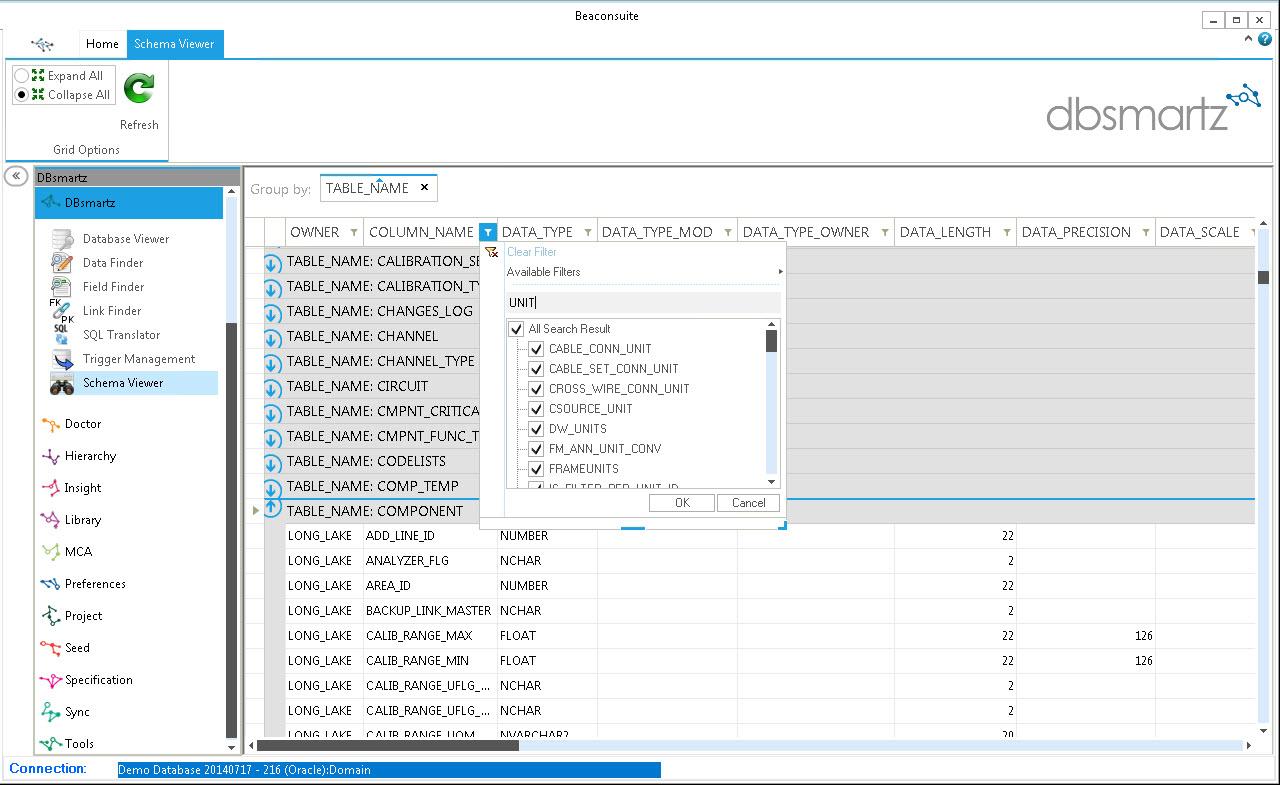
Schema Viewer – describes all of the tables in detail and displays the information in an easy to use grid.
Key benefits: Navigate the backend of the database like an expert. Enables you to get your work done more efficiently.
Download the DBSMARTZ handout (PDF)
Benefits
- Ensure field employees have accurate information
- Improve on-site safety by reducing concurrent engineering
- Protect your data integrity from high risk, duplicate and missing data
- Quantify the cost and time to close open projects
- Improve efficiency by identifying low risk projects for close out
Features
- Quickly and effective report all Owner and Operator projects
- Display number of active and inactive projects, tags and data complexity
- Identify projects that share data
- Identify deleted and renamed As-Built Data
- Identify assets being used in other projects
Find out more about the beaconsuite...


